Do not start by deleting at random
When iOS says storage is low, deleting a few recent photos can feel productive but may recover very little. The largest wins are often long videos, screen recordings, slow-motion clips, RAW files and groups of screenshots.
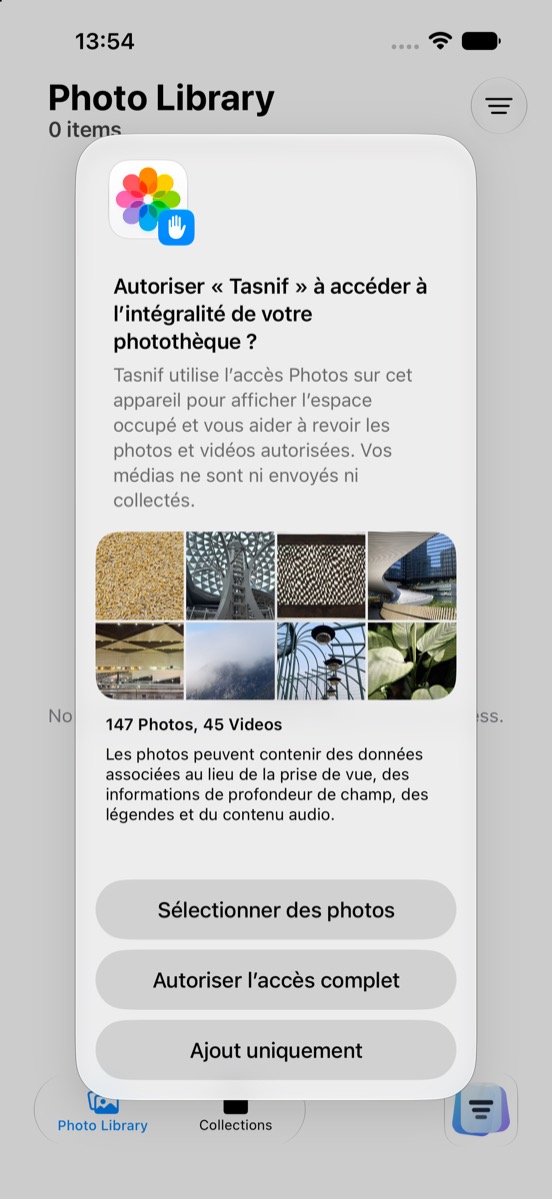
Tasnif helps surface those priorities while keeping media on your device. You can understand occupied space, review a selection, then let Photos ask for final confirmation if you choose to delete.
Suggested review order
- Start with large videos and screen recordings.
- Check RAW files, slow-motion videos and older large media.
- Then review screenshots, probable duplicates and lower-priority photos.
This keeps cleanup calm and concrete. The important signal is not only how many photos you have, but how much space the largest media occupy.