Why photo size is not always obvious
Two photos can look similar in the grid while taking very different amounts of storage. A RAW image, an imported photo or a detailed media file can count much more than a small screenshot.
The problem is not only how many photos you have. It helps to see the space occupied by the media that actually explains the storage problem.
What to review first
- RAW, ProRAW and large imported photos.
- Screenshots and older batches that pile up without being reviewed.
- Videos and screen recordings, often more important than photos alone.
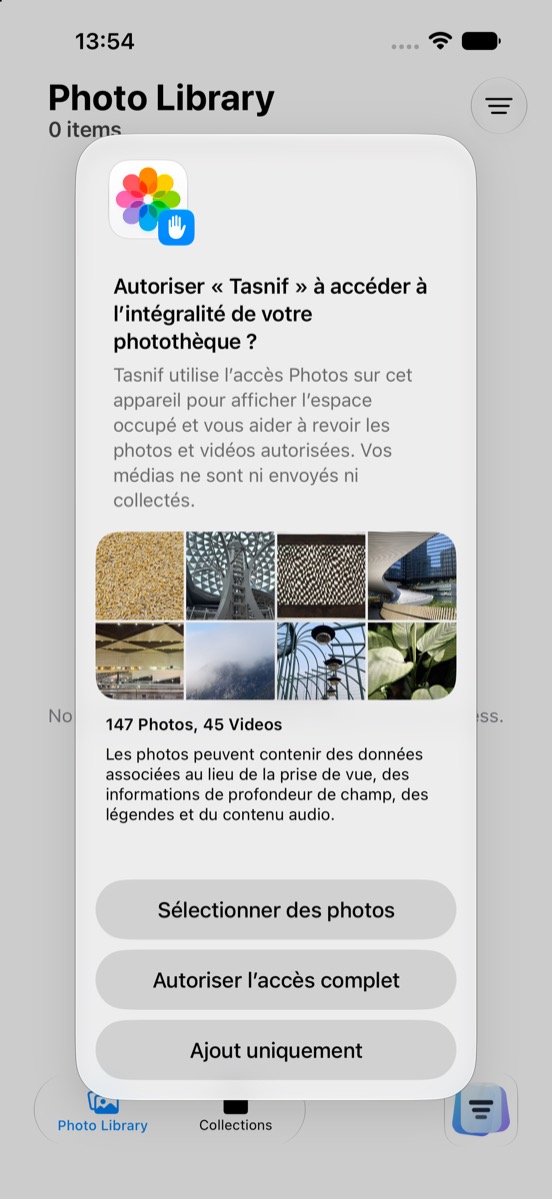
Tasnif helps you review those signals locally. Photos stay on your iPhone or iPad, and nothing is deleted without the Apple Photos confirmation.